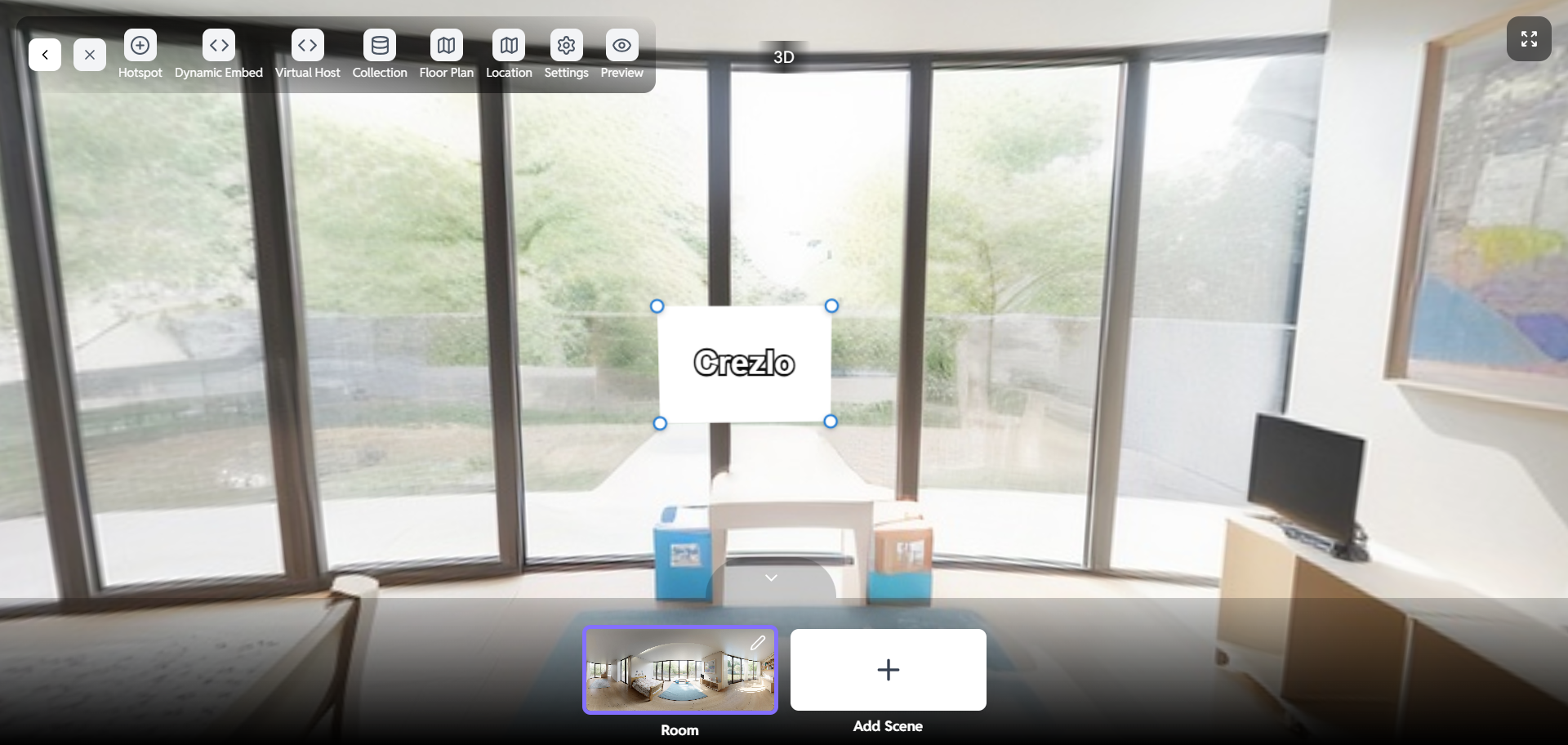
All above Dynamic Embed
How to Create Dynamic Embeds in the Virtual Tour Crezlo Platform
This document outlines the process of creating dynamic embeds within the Tour Crezlo platform. Dynamic embeds allow you to seamlessly integrate external content, such as videos, maps, or interactive elements, directly into your tours, enhancing the user experience and providing richer information. This guide covers the steps involved in generating and implementing dynamic embeds, ensuring a smooth and effective integration process
What is Dynamic Embed?
- Dynamic Embed allows you to add interactive elements such as text, images, videos, or links to your virtual tour.
- Enhances user experience by providing contextual information.
- Easy to configure and visually customize.
Accessing Dynamic Embed
- Open your virtual tour project on the Crezlo platform.
- Navigate to the Edit View.
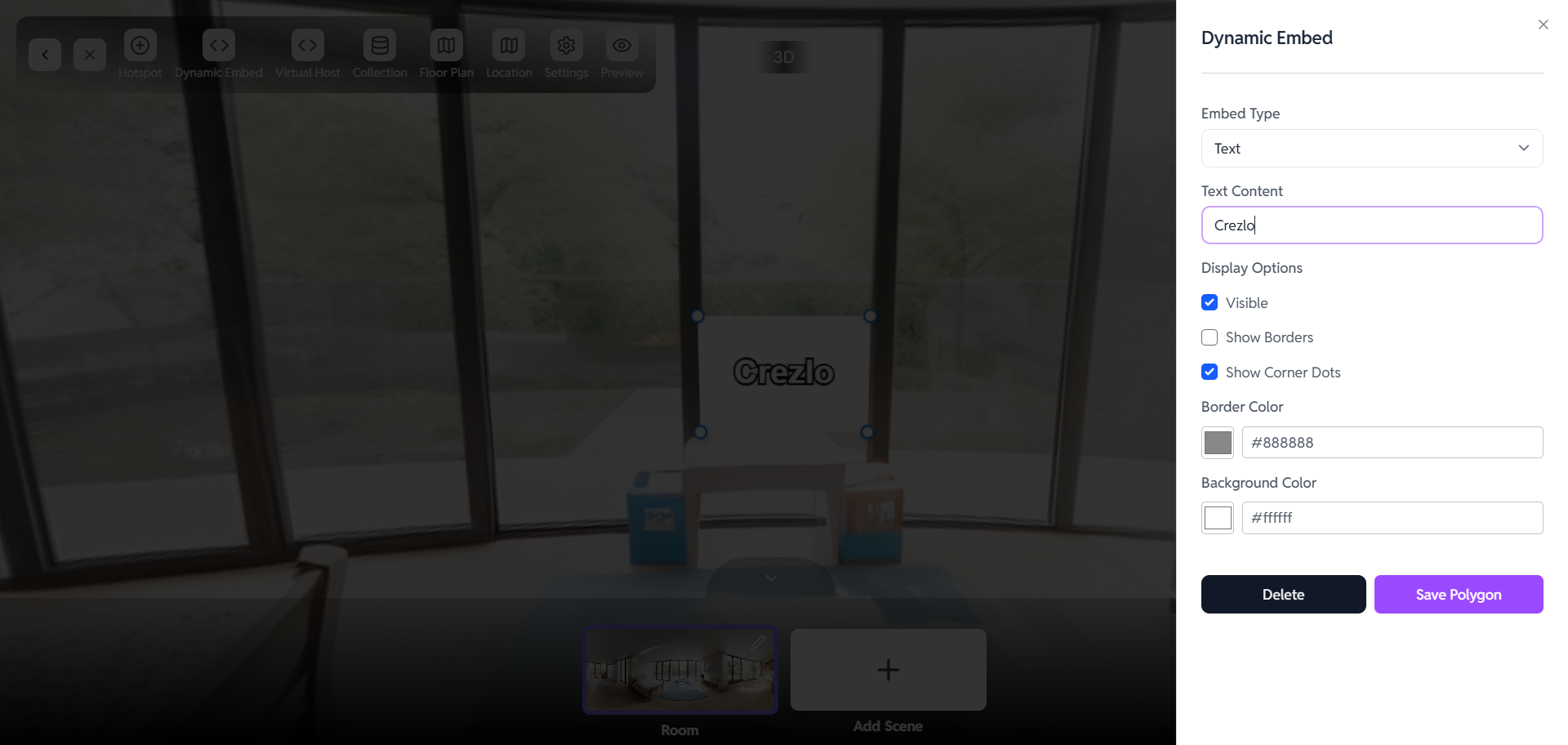
- Click on Dynamic Embed from the top menu bar.
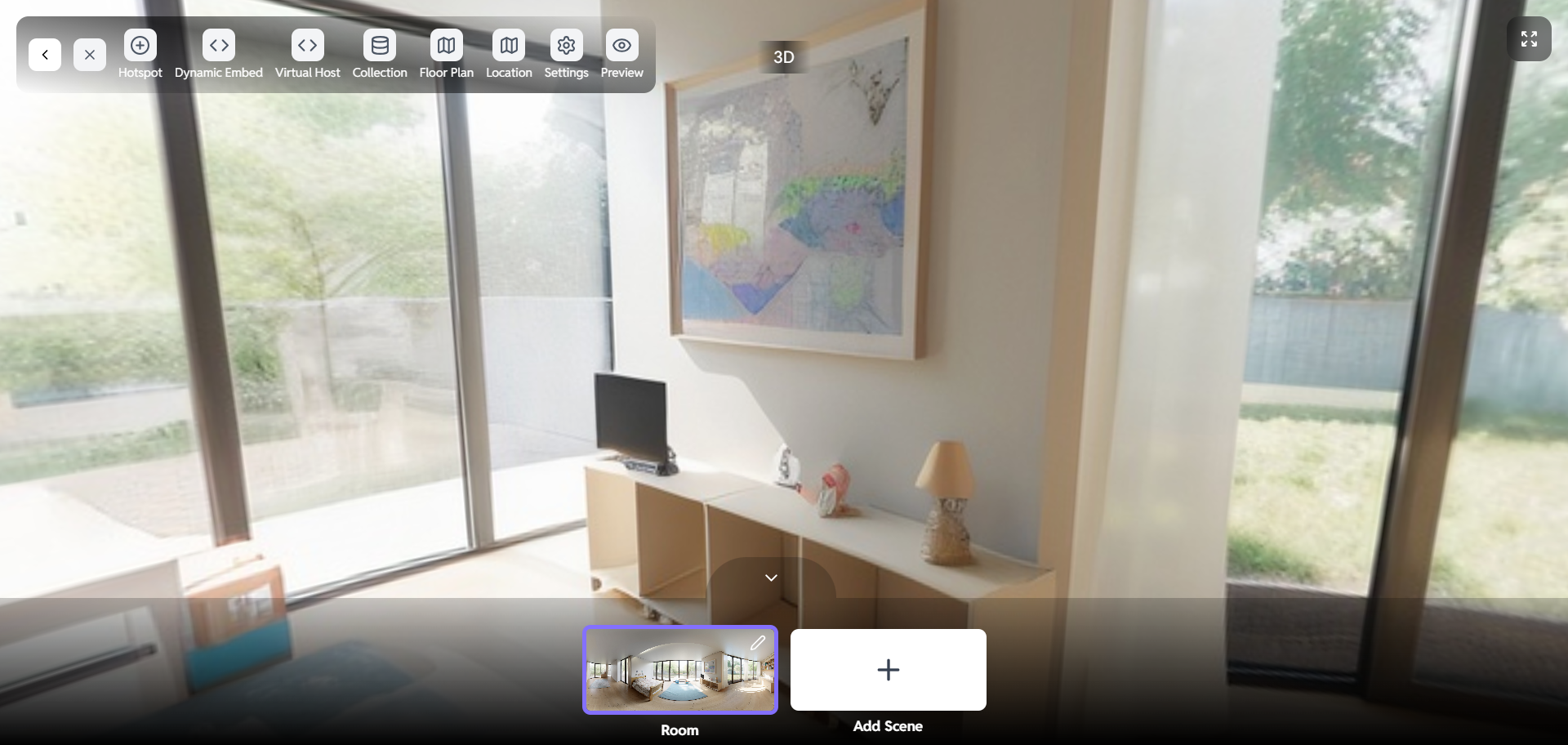
Embed Type
Choose Embed Type
-
In the Dynamic Embed panel, select your preferred embed type from the dropdown.
-
Available types include:
➤ Text
➤ Image
➤ Video -
For example, choose Text to add informational content.
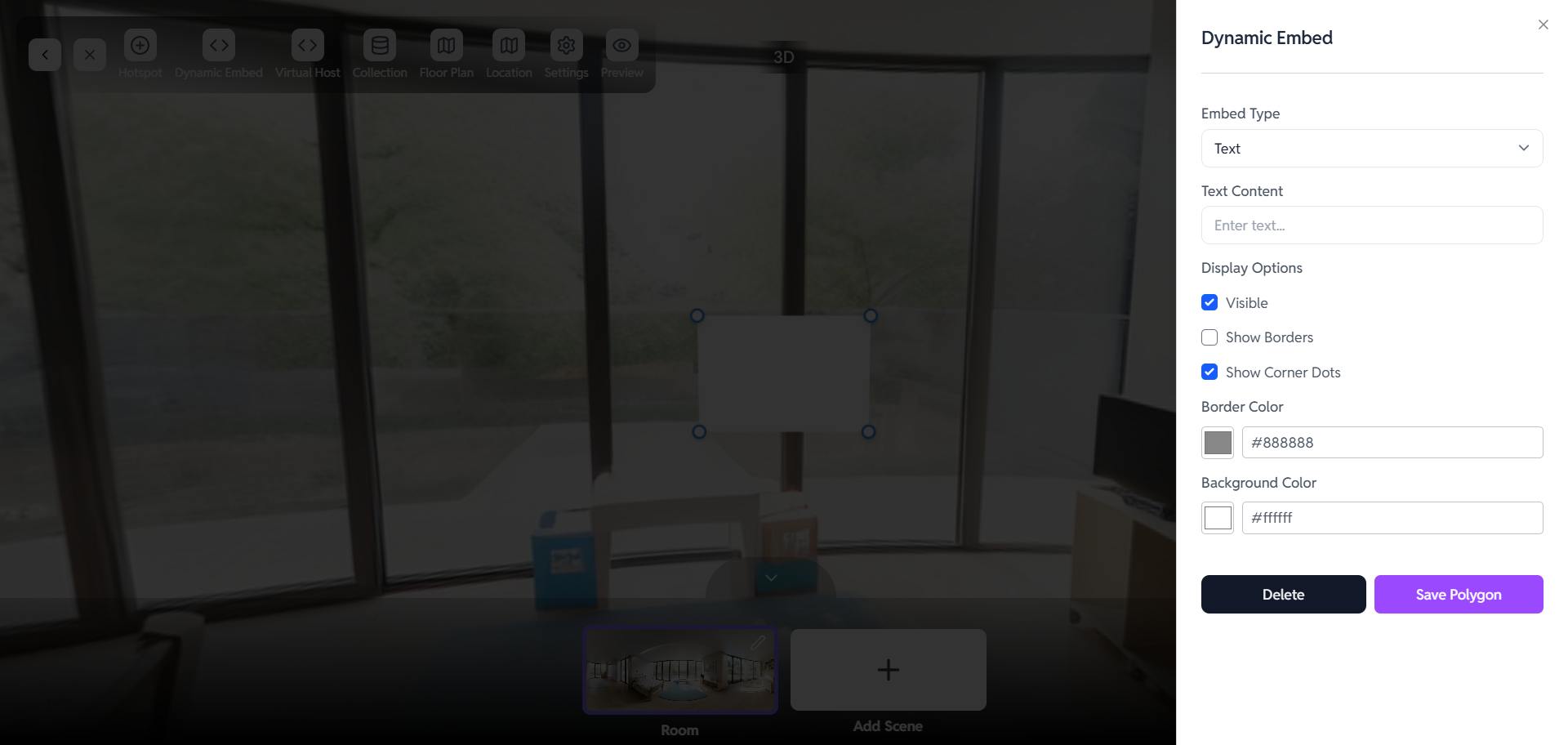
Adding Content
Enter Text Content
- Under Text Content, type the message you want to display.
- This will appear in the virtual tour at the selected location.
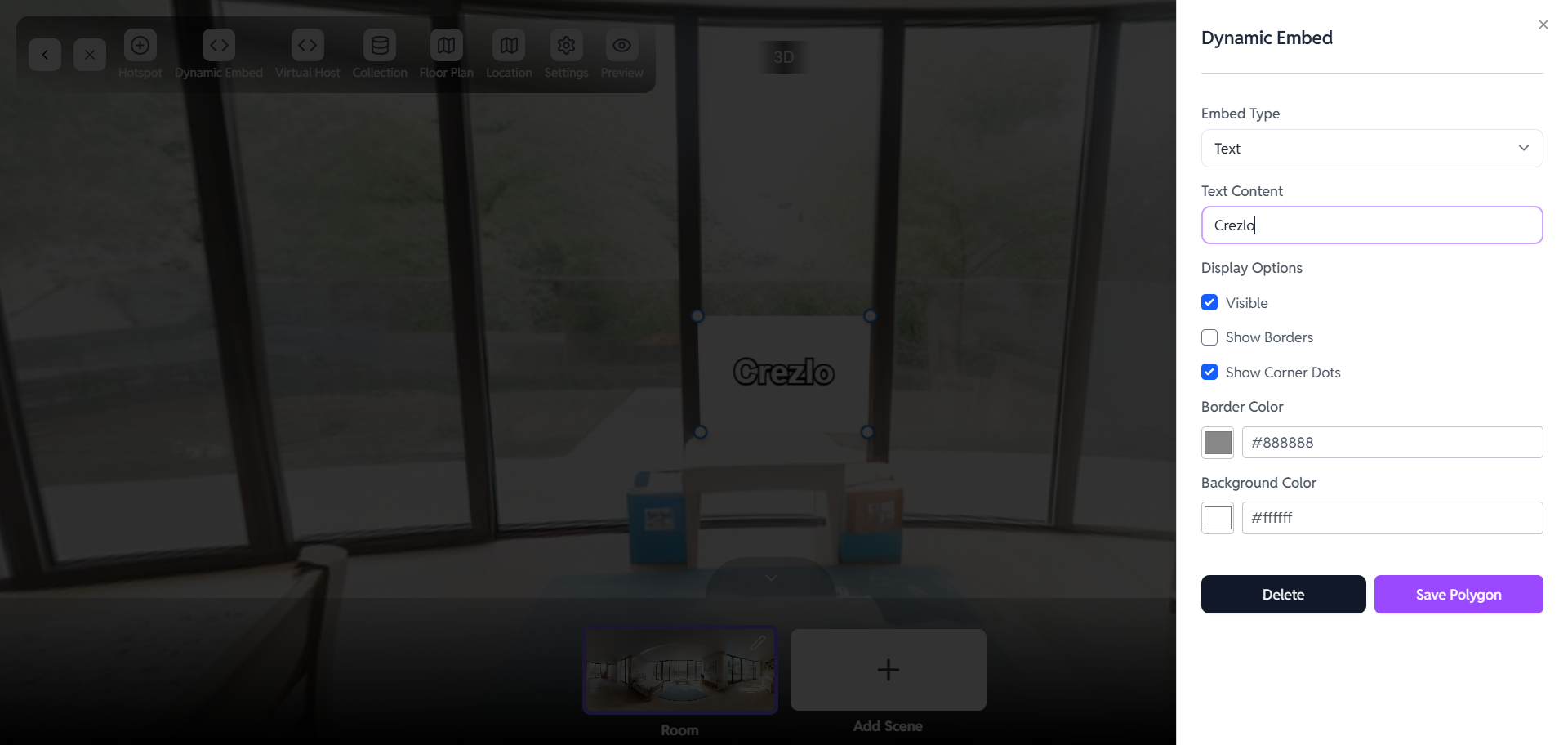
Display Options
Customize Visibility & Style
-
✅ Visible – Ensures the embed is shown in the tour.
-
☐ Show Borders – Adds a border around the embed for emphasis.
-
✅ Show Corner Dots – Allows easy resizing and positioning.
-
Border Color – Choose a border color using the color picker.
-
Background Color – Customize the background shade.

Finalizing the Embed
Save Your Embed
- Adjust the size and position using corner dots.
- Click Save Polygon to apply changes.
- To remove, click Delete.
Preview
Check Your Work
- Click on Preview to see how the dynamic embed looks in the virtual tour environment.
- Make any necessary adjustments.